
Manage multiple Exposure accounts
You may sign into multiple Exposure accounts at once via our Manage Accounts feature. You can switch between accounts while their sign-in sessions remain valid.
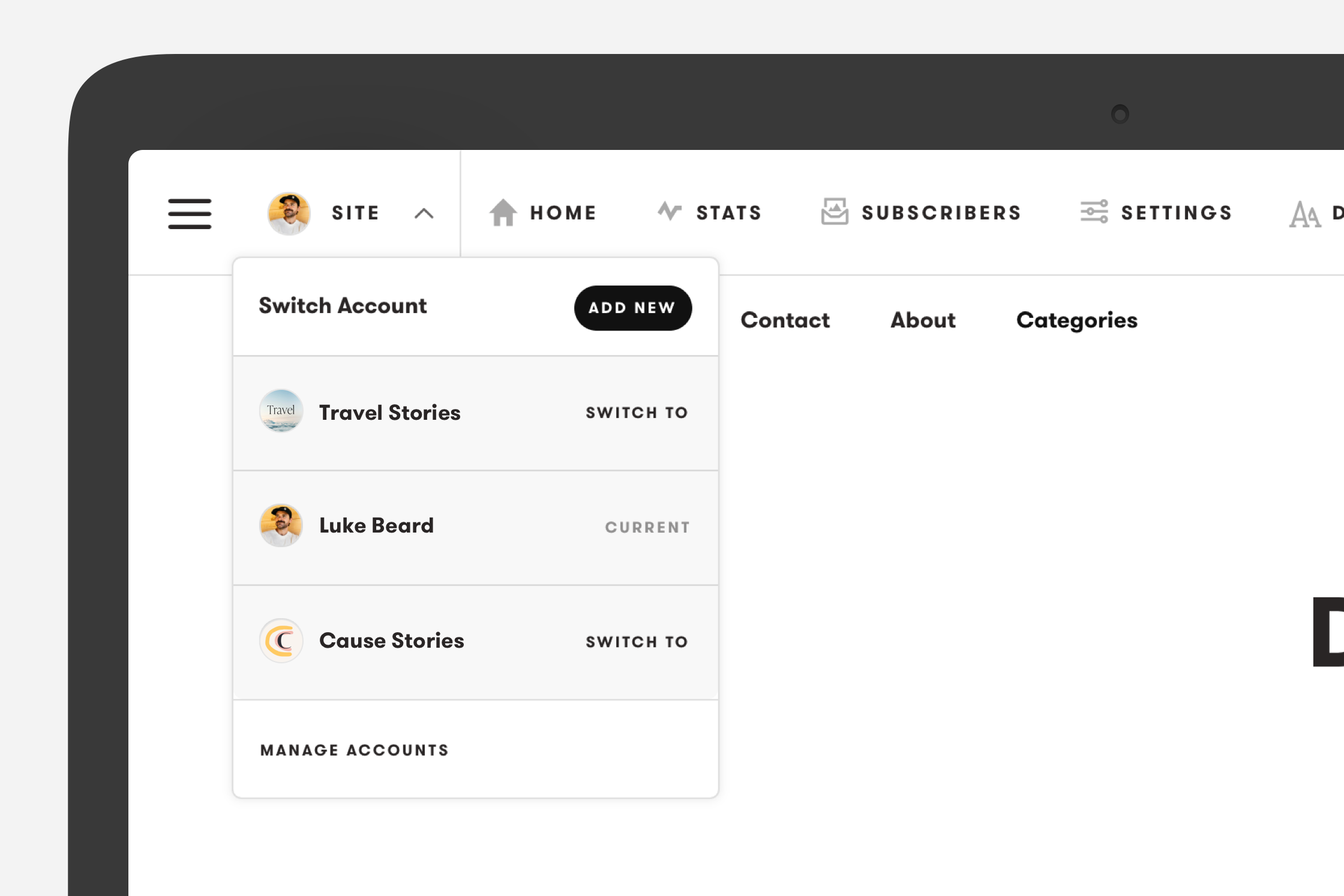
You can access a quick account switcher by clicking the arrow next to your avatar in the main menu. From here you can get started or see all the accounts you are signed into.
This feature is available for Pro Plus and Business subscribers.
To manage the accounts you are signed into, please visit the dedicated settings page located at exposure.co/settings/manage-accounts. From here you can add new accounts, sign out of individual accounts, or sign out of all the accounts at once.
Each account has its own sign-in methods and two-factor authentication settings. You can use a password or a connected Google or Apple account. Each Google or Apple account can connect to one Exposure account. Adding a protected account requires its authenticator code or an unused recovery code.
Security changes can end sessions for the affected account. If the active account needs a new sign-in, select another valid account or sign in to that account again. Exposure does not switch you into another account automatically.
Check which account is selected before changing its email, password, Google or Apple connection, authenticator, or recovery codes. See Set up and manage two-factor authentication.
Your signed-in accounts apply to the current browser session. Sign in again when you use another browser or device.
Need help?
Section titled “Need help?”Use the Exposure contact form.