
Change your sign-in email address
Change your sign-in email in Settings → Account. Password and authenticator controls are in the separate Security & Signin view.
-
Sign in and select the account you want to update.
-
Open Settings → Account.
-
Edit Email Address.
-
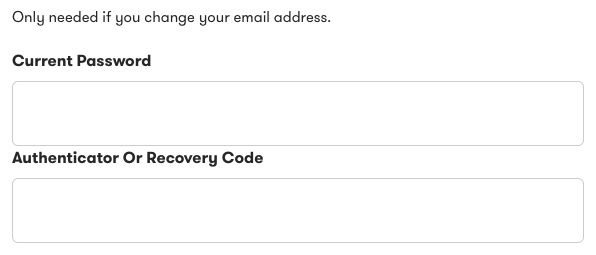
Enter your current password in the fields that appear.
-
If two-factor authentication is enabled, enter a current authenticator code or an unused recovery code.
-
Select Save changes.
Use an email address you can access. Exposure uses it for sign-in and account messages. After a successful change, other sessions for this account end.
If you restore the original email before saving, the extra proof fields close. A name-only change does not require this email-change check.
For an AppSumo account, the email field cannot be edited here. Contact support if you need help.
If you cannot provide an authentication code, see Fix two-factor sign-in problems.
Need help?
Section titled “Need help?”Use the Exposure contact form.