
Embedding a Shopify Product into a Story
You can embed as many Shopify products as you like into an Exposure story using the “Embed” group type, and the Shopify Buy Button embed.
Step One
Section titled “Step One”Generate a Shopify Buy Button embed code for your product. You can learn how to do that here.
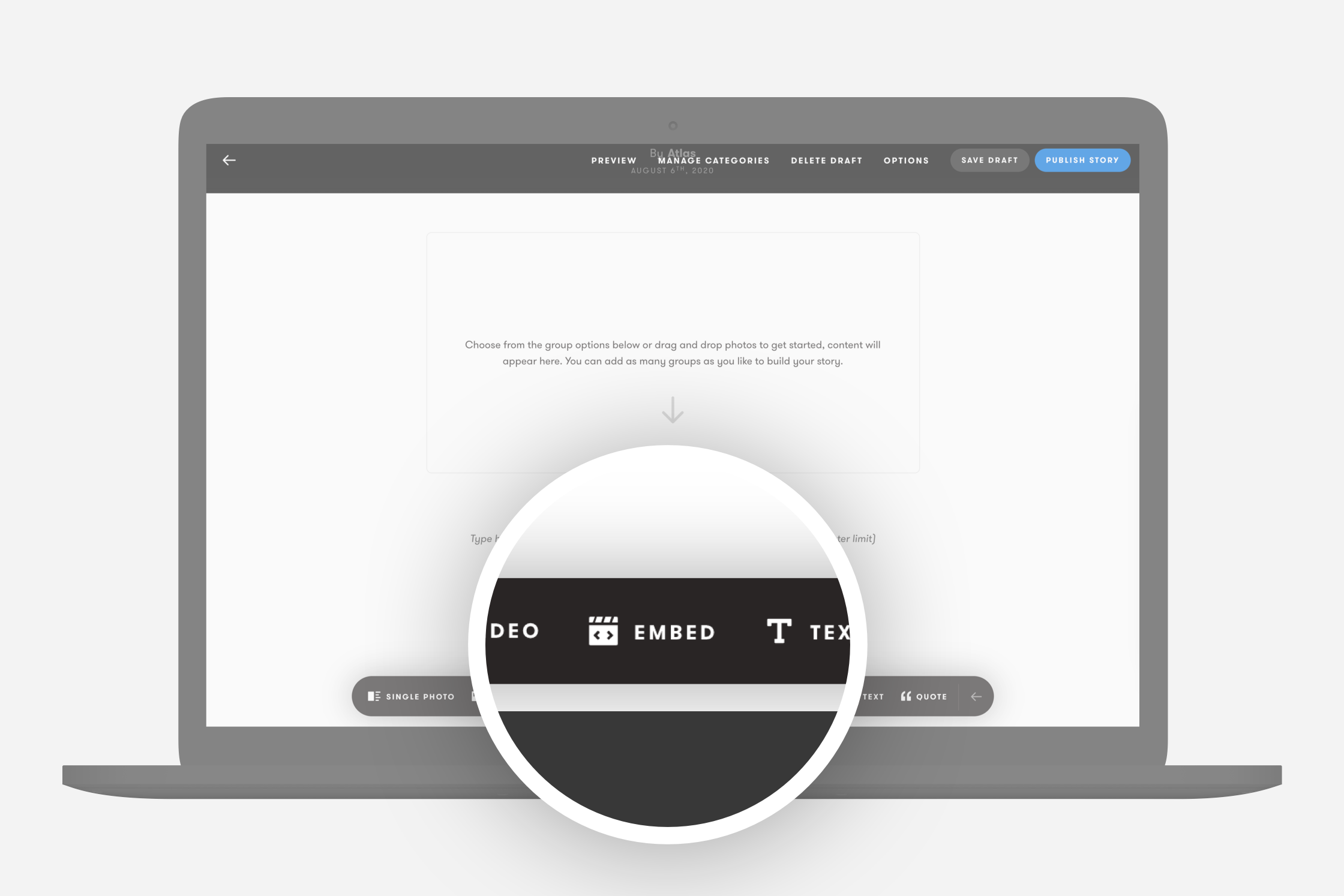
Once you have the code, open your Exposure story, and click “Embed” from the group options.
Step Two
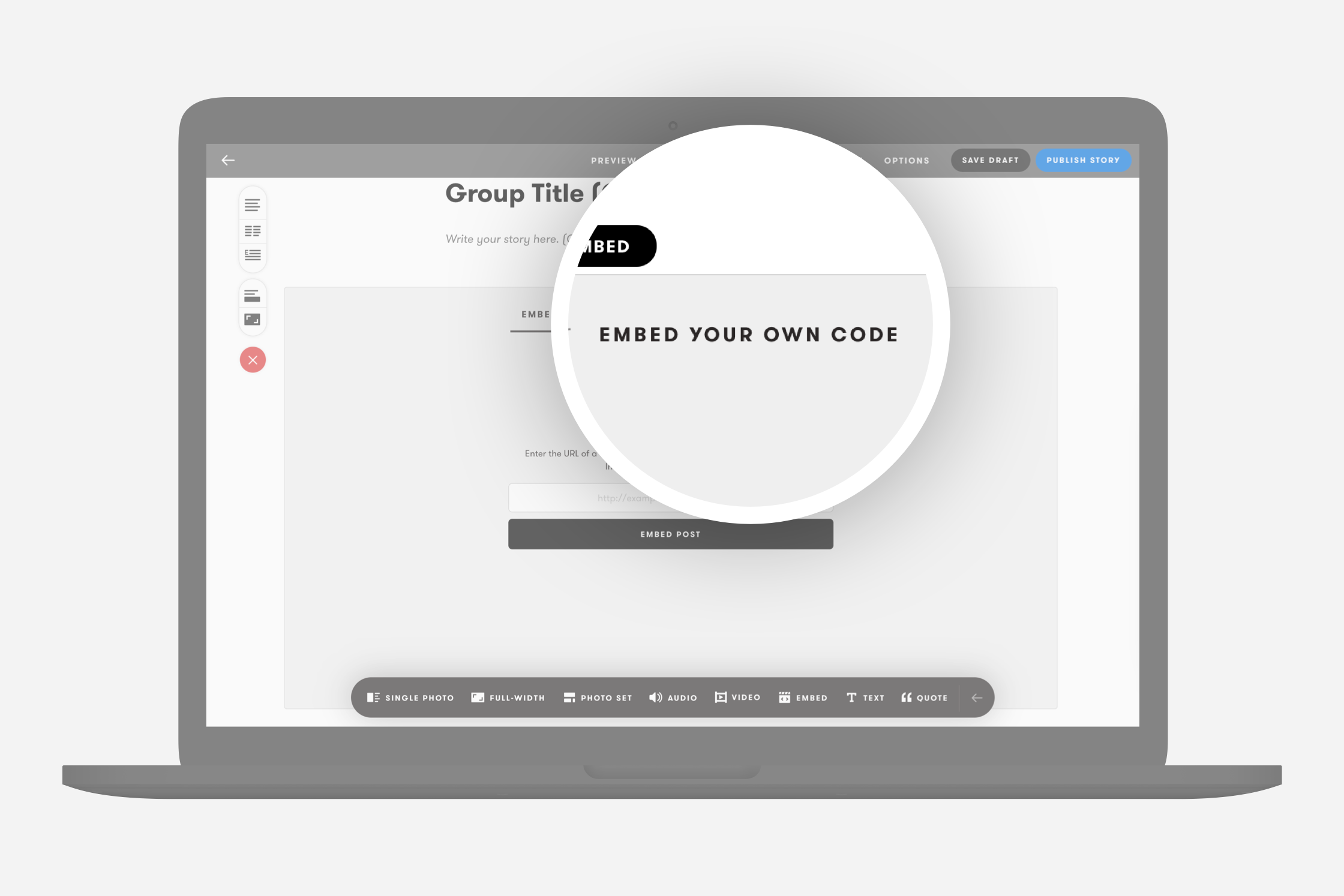
Section titled “Step Two”Click “Embed your own code” from the Embed option tabs.
Step Three
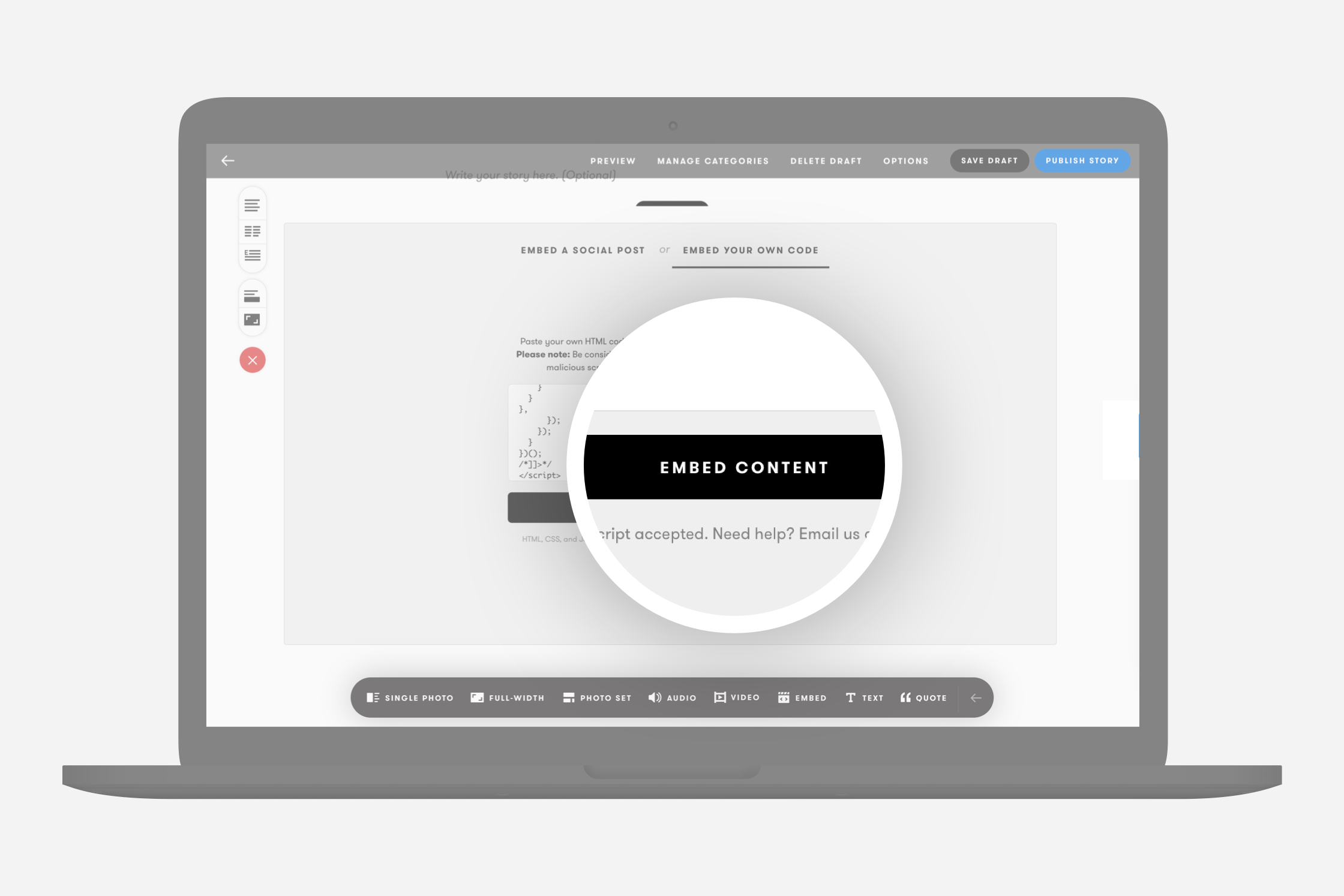
Section titled “Step Three”Paste your Shopify Buy Button code in full into the code area and click “Embed Content”.
Step Four
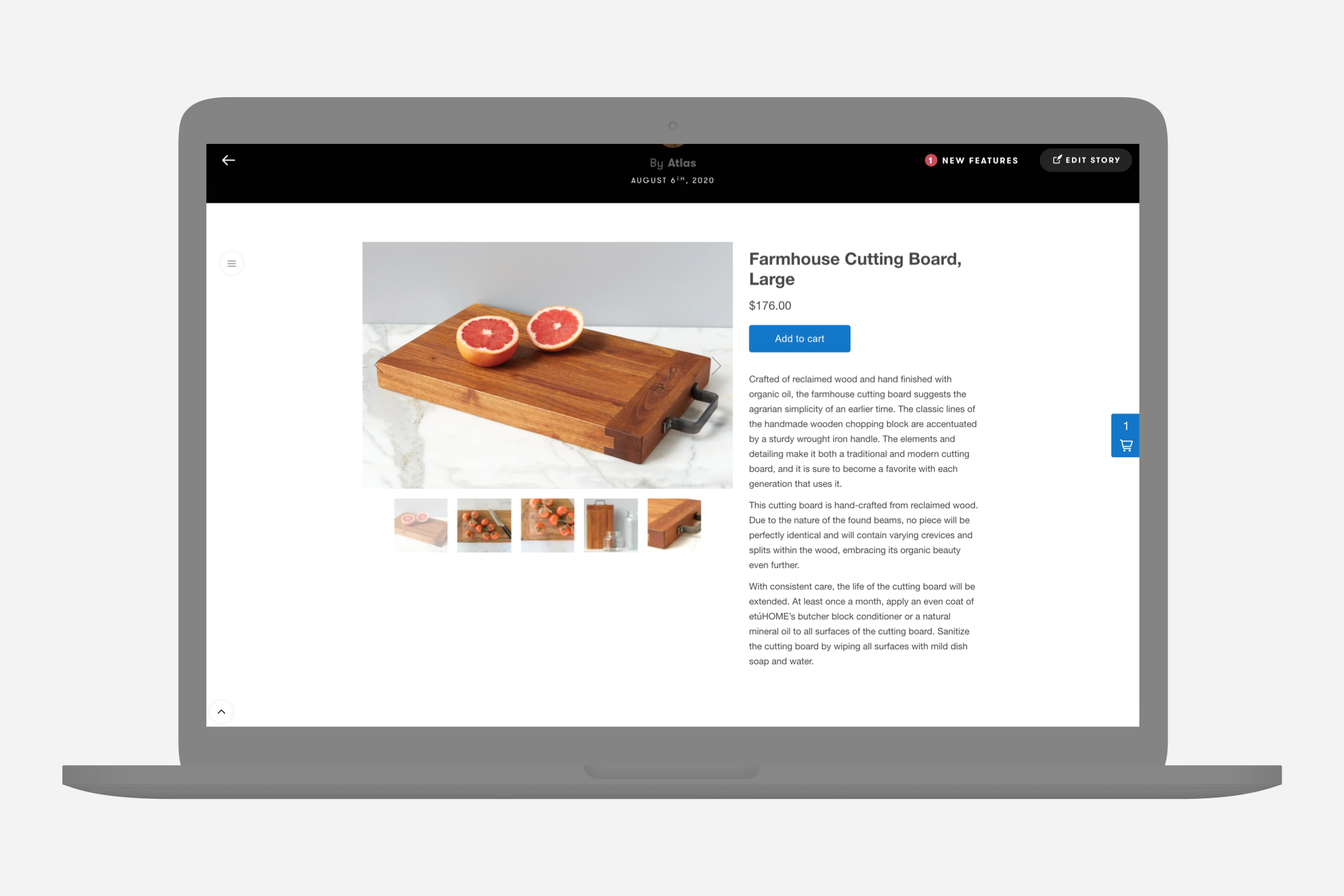
Section titled “Step Four”Click “Preview” and see how your product looks, and start selling.
Need help?
Section titled “Need help?”Use the Exposure contact form.