
Adding Social Links and a Personal URL
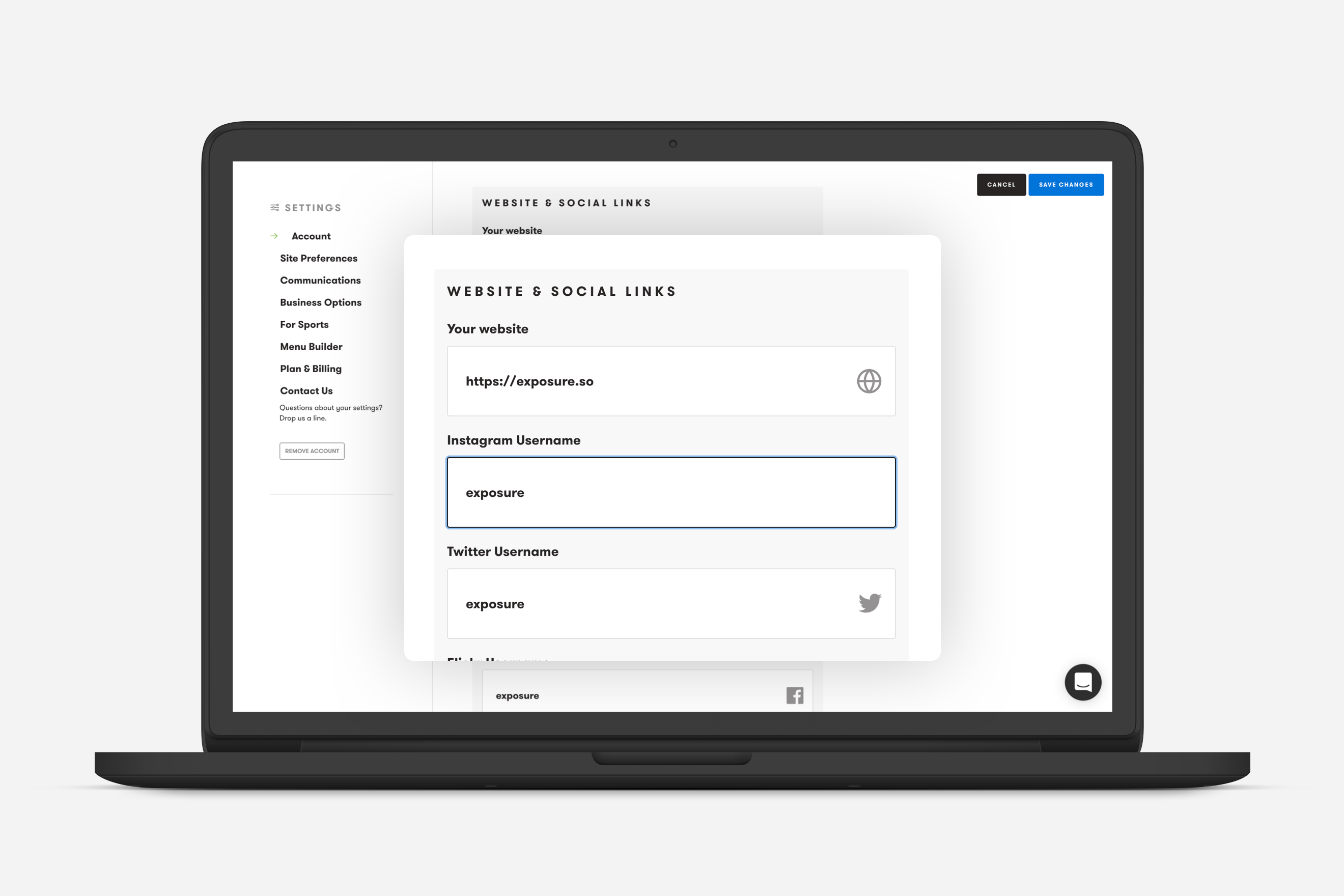
You can display links to your social accounts and your personal website across your site and stories by adding them in your Account Details. Once added, icons and links will appear on your site and in footer of your stories prompting your visitors to follow and visit them.
Pro Tip
Section titled “Pro Tip”Adding your Twitter handle will include it when someone shares your stories on Twitter.
We currently support the following social links and URL’s.
-
Personal website URL
-
Twitter
-
Instagram
-
Facebook
-
Flickr
-
VSCO grid
-
LinkedIn (Personal and company pages)
-
500px
-
Snapchat
-
Pinterest
-
Wordpress.com via URL
-
Youtube via URL
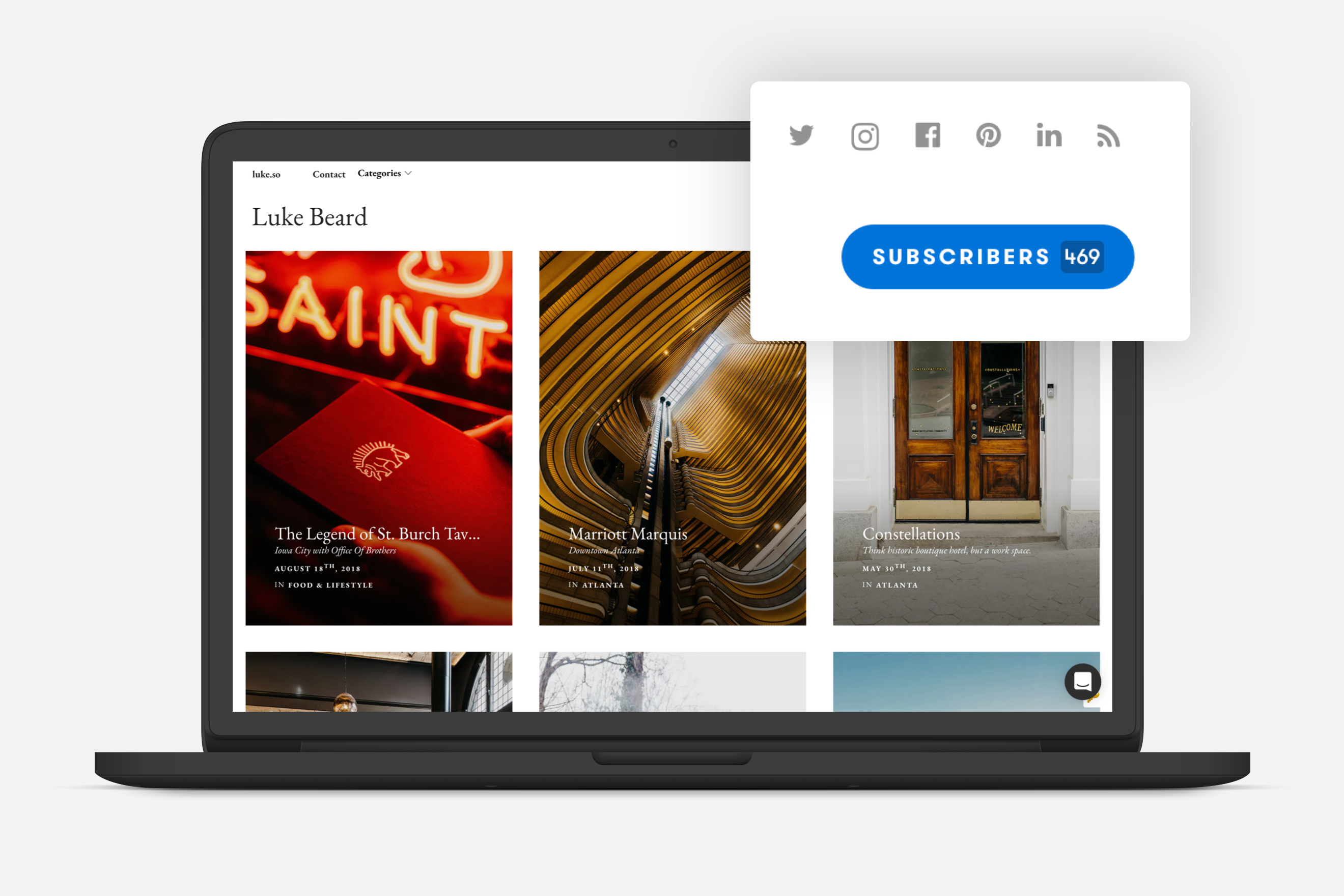
Icons for your social accounts will appear on your Exposure site.
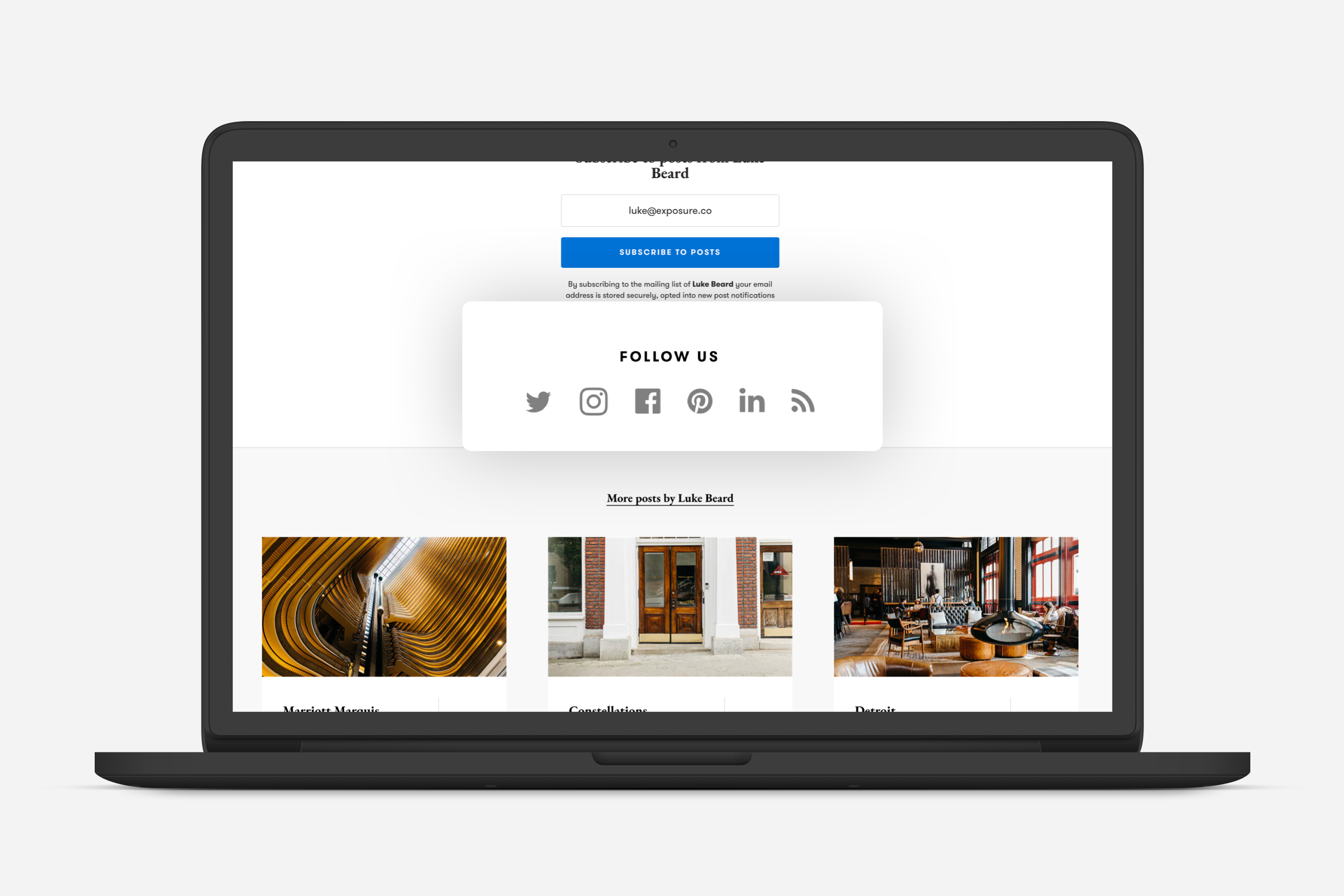
Icons for your social accounts will appear in the footer of your stories with a prompt to “Follow Us” or “Follow Me” depending on your account type.
Adding Social Links and a Personal URL is managed from your Account Details.
Need help?
Section titled “Need help?”Use the Exposure contact form.