
Introducing the Advanced Accessibility Widget
New feature
Section titled “New feature”Your Exposure site and stories already meet Section 508 and WCAG compliance and with our new Advanced Accessibility widget, you can go even further. The widget is part of the Exposure Business plan option and available to new and existing customers.
The widget covers the following features:
Section titled “The widget covers the following features:”- Increase text size
- Increase text spacing
- Toggle legible fonts
- Cursor size
- Stop all animations (Note: Exposure will stop all animation if set as an operating system preference)
- Highlight links
- Read the page
- Keyboard navigation
- Multiple contrast modes for visual impairments
You can enable the widget via it’s settings page with just one click. No additional setup required. Visit settings page
Ensure an extra layer comprehensive compliance covering ADA, Section 508, WCAG 2.1 AA by offering a wide range of advanced accessibility features.
Explore the widget in action with our live demo
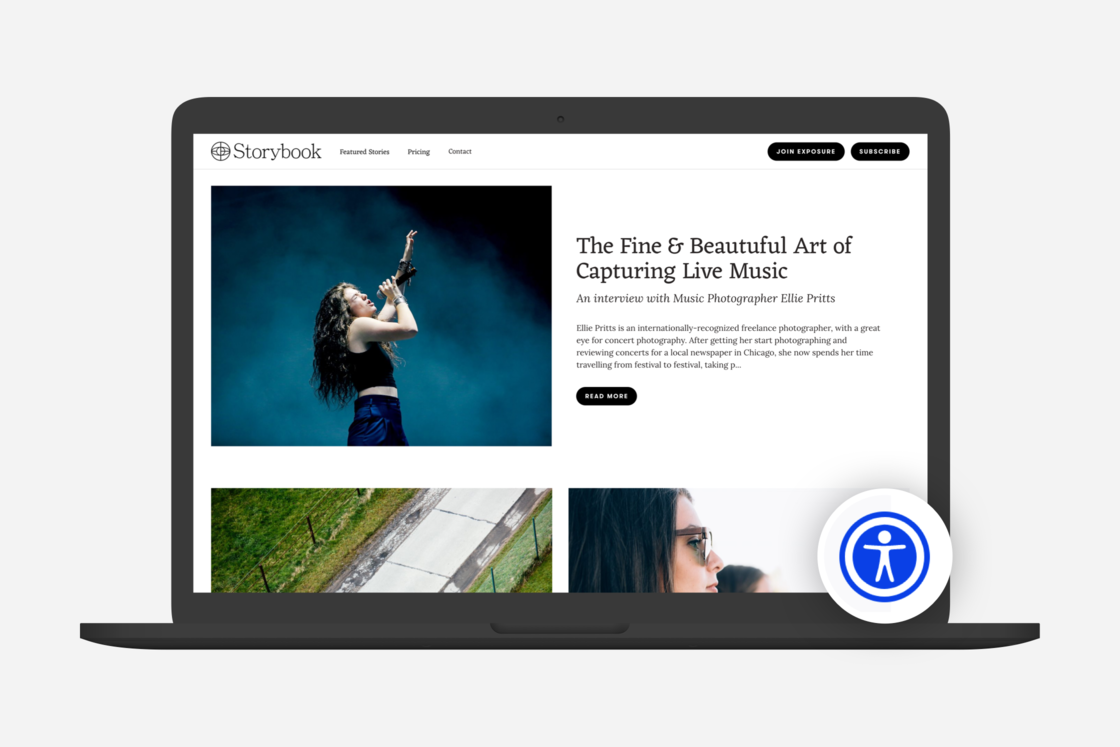
An example of where the Advanced Accessibility Widget button will display on your site and stories