
Choose the Focus Area for Your Cover Photo.
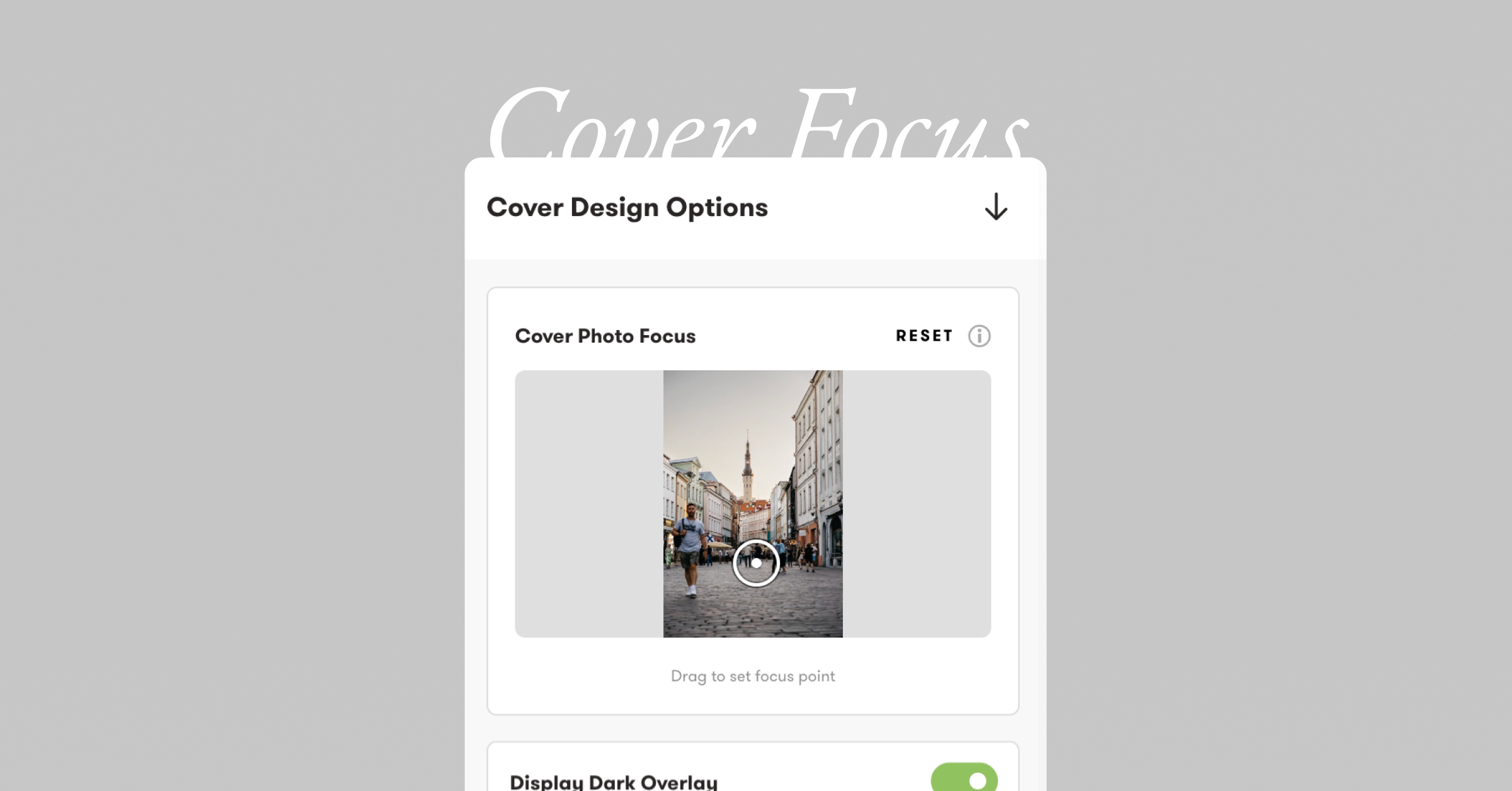
Get precise control over your cover photo with the new draggable focus point. Instead of choosing from preset positions, you can now click and drag to set exactly which part of your image stays visible when cropped on different screen sizes.
- Real-time preview as you drag
- Works great for portraits, group shots, and landscapes
- Automatic edge zoom keeps your focal point visible
- Changes save automatically
Find it in the Cover Options panel in the bottom right of the cover while in edit mode.
Questions? Reach out at hello@exposure.co or Read our Help Center article here.