
Big Improvements to Click Through Links and Photo Controls
Improvement
Section titled “Improvement”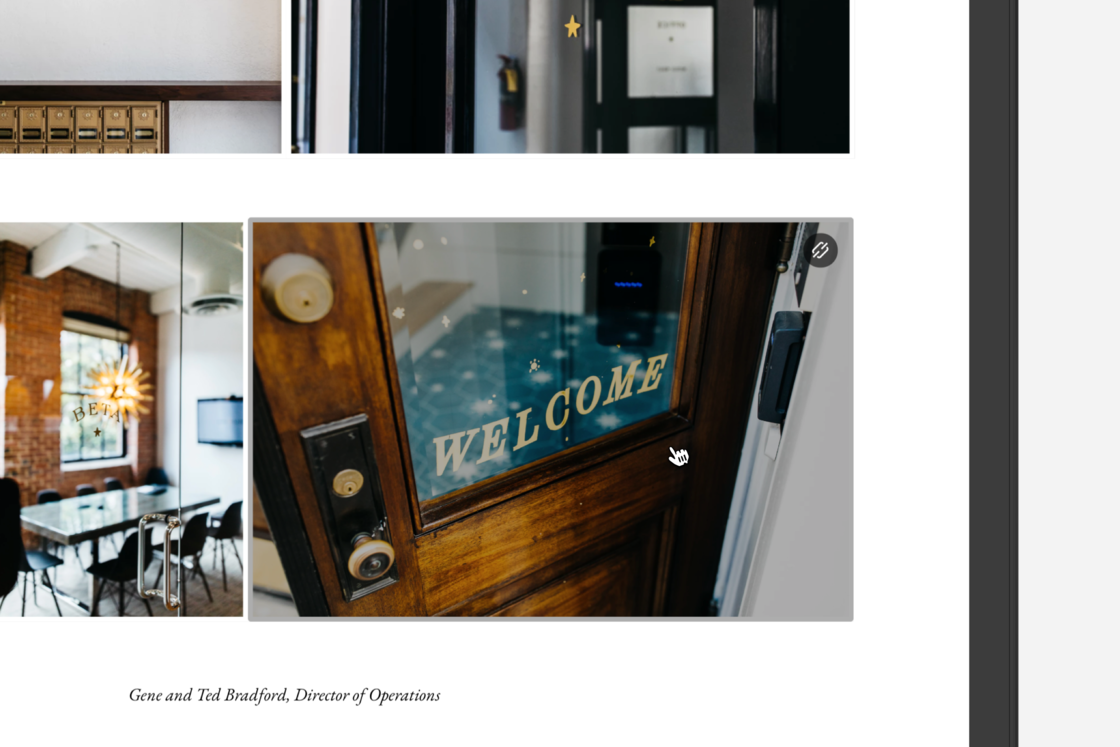
We heard your feedback and adding a Click-Through Link to your photos is now easier and better than ever!
When you add a Click-Through Link URL to a photo in your story, it will now not only create an overlay of that link but also make the whole photo clickable. Feedback told us that the small link icon was not quite right and this update brings a true Click-Through Link experience.
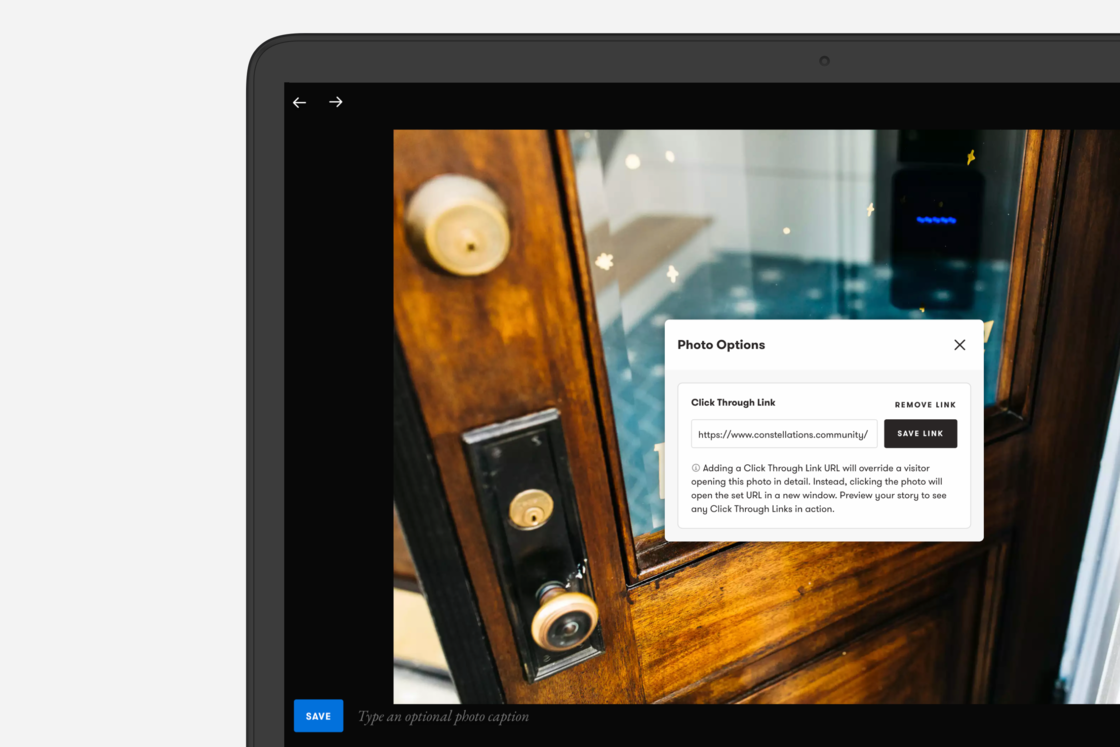
You can add a Click-Through Link via the Lightbox as before. Then, you can see the overlay in action when you preview your story. We also polished the look and feel of the link input.
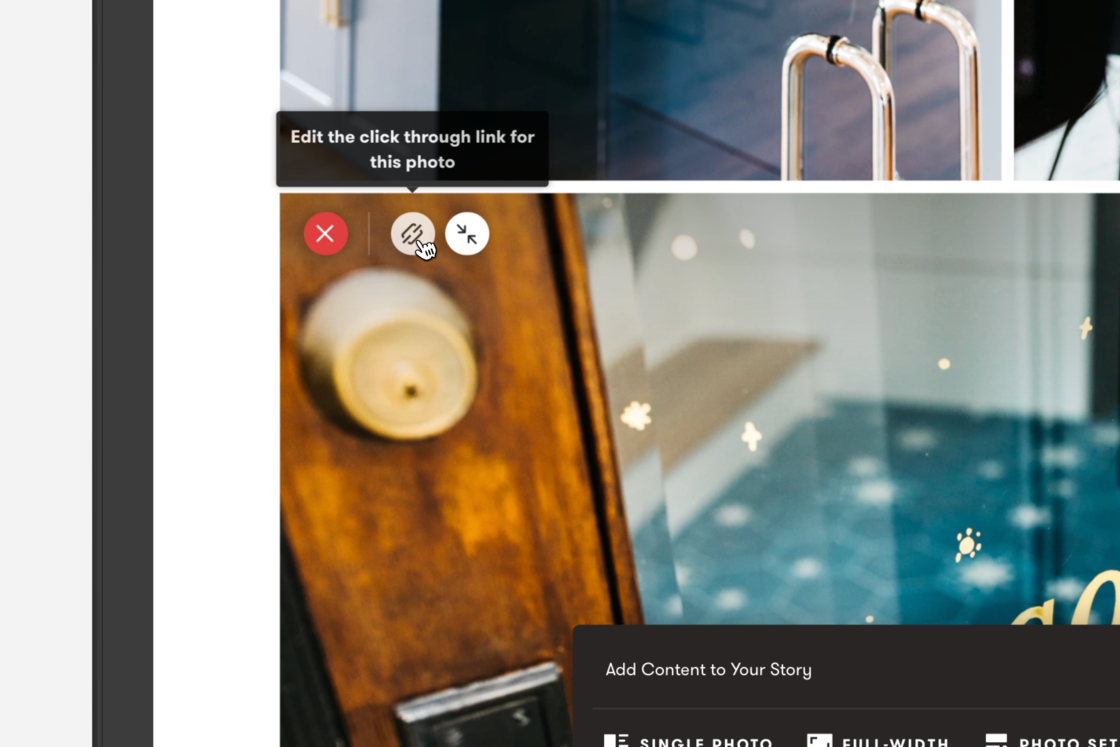
Controls for photos in a set have also been improved. You can now access the controls in top right of each photo (previously at the bottom). We also changed the indicators of whether a Click-Through Link is active or if the photo is currently being using fill the row.
Enjoy!